
Kurz zusammengefasst
- A user story is a short, plain-language description of a software feature written from the end user’s perspective, expressing what the user wants to do and why.
- User stories replace dense technical specifications with human-centered descriptions that keep development teams focused on delivering real user value rather than features for features’ sake.
- Business leaders who understand user stories can participate more effectively in agile delivery, shaping priorities and reviewing progress in terms of outcomes rather than technical deliverables.
Traditional software specifications tell development teams what to build in technical terms. User stories tell them who wants it and why. This shift in framing changes what gets built and how teams make trade-off decisions when complexity, time, or budget constraints force choices. The result is software that actually solves problems rather than software that technically meets a specification that was written before anyone understood the problem fully.
What is a User Story?
A user story is a concise, informal description of a software feature written from the perspective of a specific end user, following a standard structure that identifies who the user is, what they want to accomplish, and the business reason behind that goal, providing the development team with the context they need to build the right solution.
The standard user story format is: “As a [type of user], I want to [action or goal] so that [business reason or benefit].” For example: “As a procurement manager, I want to receive an automated alert when a purchase order exceeds its approved budget so that I can review and approve or reject it before it is committed.” This format forces clarity on three things: who is affected, what they need to do, and why it matters to the business.
Each user story also requires acceptance criteria, which define the specific conditions that must be true for the story to be considered complete. Acceptance criteria transform a vague description into a testable definition of done that the QA team can verify and the Product Owner can approve.
Warum ist das für Unternehmen wichtig?
Software built without user context tends to be technically functional but operationally frustrating. Features are built the way developers imagine users will work, rather than the way users actually work. User stories prevent this by making real user needs and business outcomes the starting point for every development decision.
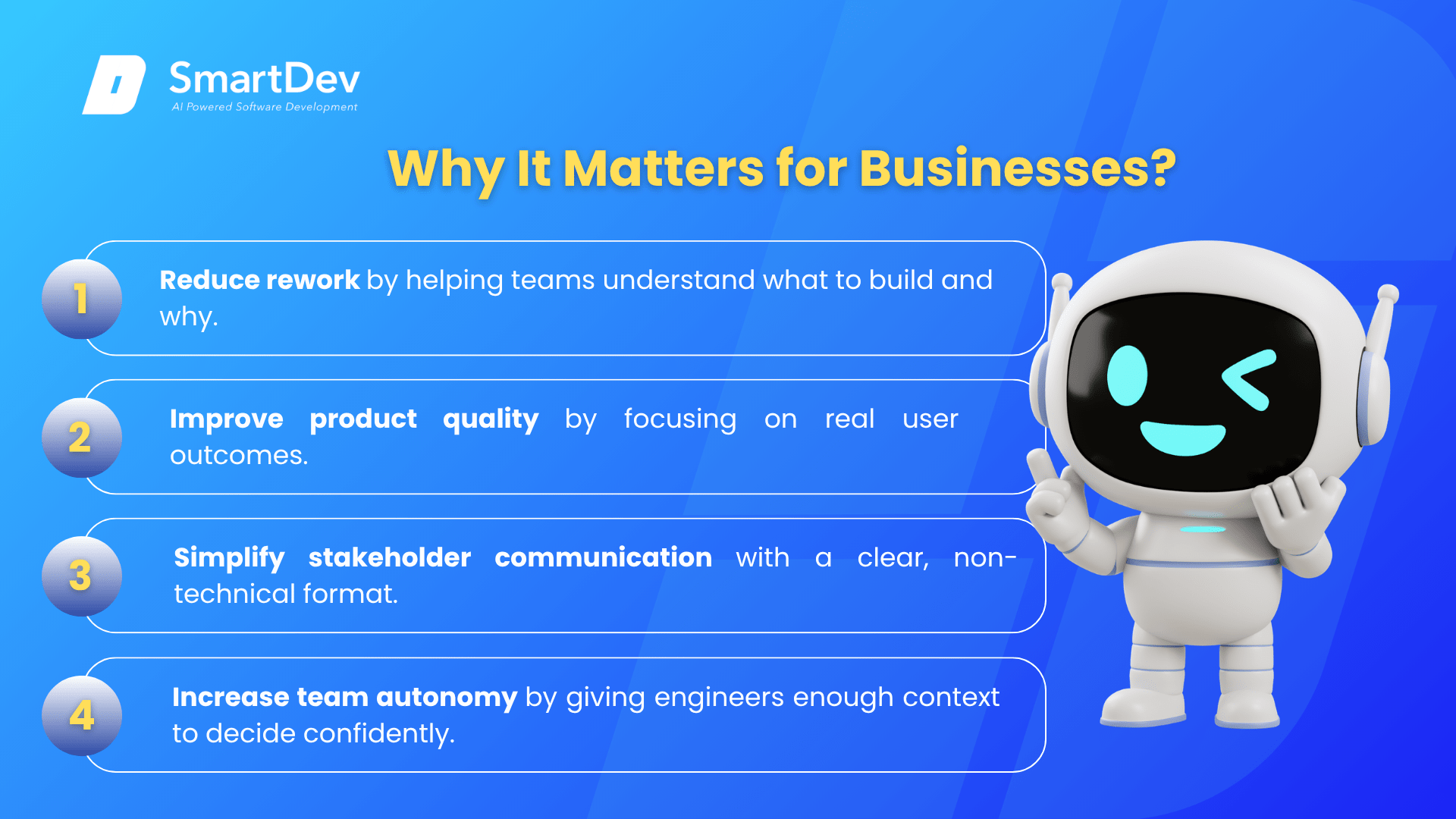
- Reduzieren rework by ensuring the team understands not just what to build but why, enabling better design decisions that align with actual user workflows.
- Verbessern product quality from the user’s perspective by keeping development focused on the outcome the user needs rather than the technical feature as specified.
- Beschleunigen stakeholder communication by giving business leaders a format they can read, understand, and challenge without needing technical translation.
- Increase team autonomy by providing enough context for engineers to make good implementation decisions independently, without needing a specification to answer every question.
For example, a logistics company rewrote its delivery tracking requirements as user stories after a previous implementation built technically correct features that drivers rarely used because the interface did not fit the way they worked in the cab. Reframing requirements around “as a driver on a delivery route, I want to…” forced UX decisions that matched real field workflows. The redesigned feature had a 94% daily active usage rate within 30 days of launch, compared to 22% for the previous version.
How Does a User Story Work?
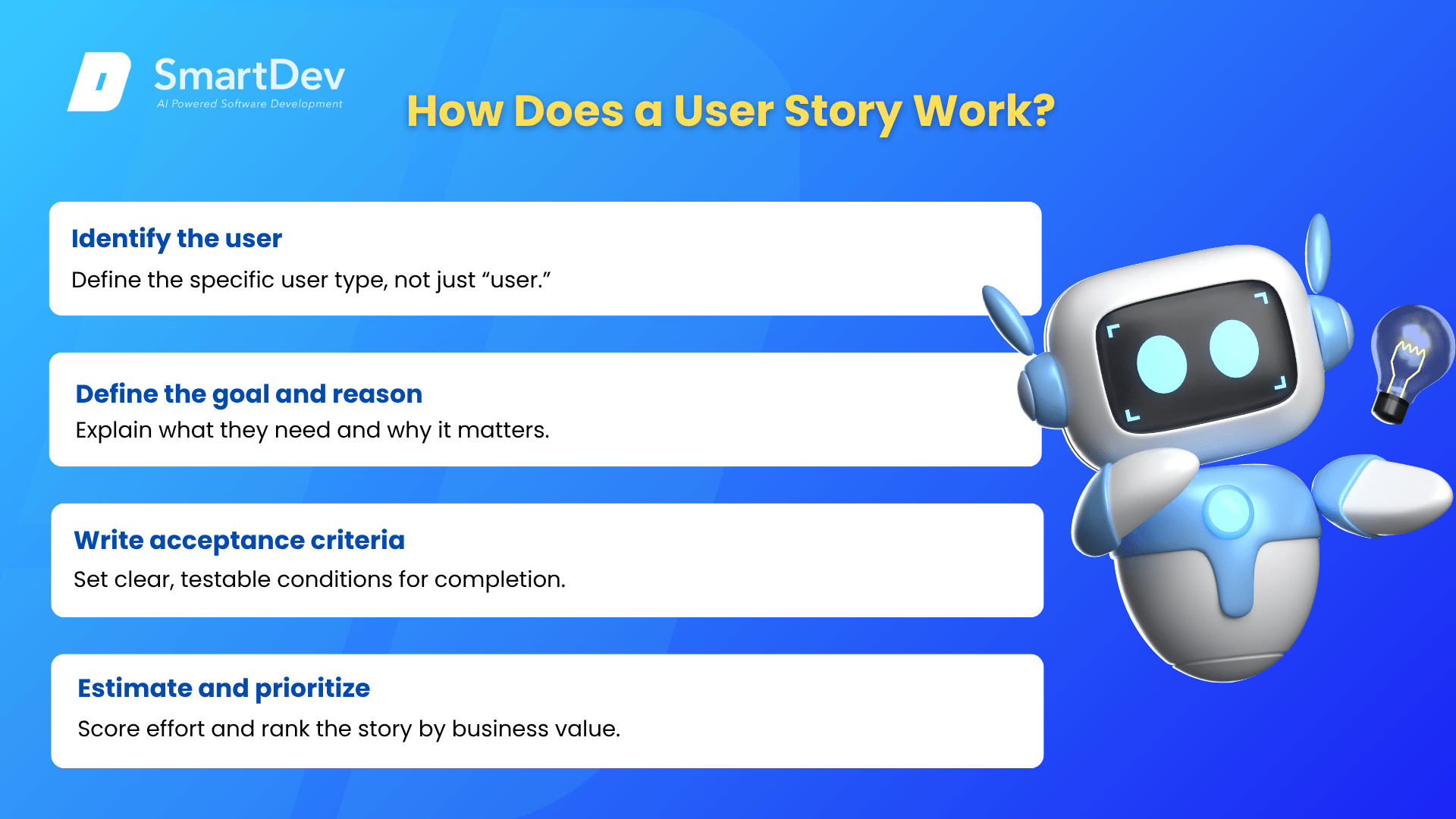
- Identify the User: Define who the story is for specifically. “As a user” is too vague. “As a finance manager with read-only access” gives the team meaningful context. Different user types often need different implementations of the same underlying feature.
- Define the Goal and Reason: State what the user wants to do and why. The “so that” clause is critical: it explains the business value, which is the information the team needs to make good trade-off decisions when they discover implementation complexity.
- Write Acceptance Criteria: List the specific, testable conditions that must be true for the story to be considered complete. “The system should work” is not acceptance criteria. “The system should display the error message ‘Budget exceeded’ and prevent order submission when the total exceeds the approved limit” is.
- Estimate and Prioritize: The team estimates the relative effort (in story points) and the Product Owner prioritizes the story against all other stories in the backlog based on business value and delivery effort.
The result is a backlog of clearly articulated, business-grounded work items that the team can plan, build, and verify against a shared definition of what success looks like for each feature.
Who Uses User Stories?
User stories are used by product teams, agile development teams, and business analysts across technology companies, software development outsourcing engagements, and enterprise IT departments. Product Owners write user stories to capture and communicate requirements. Development teams use them to guide implementation decisions. QA engineers use acceptance criteria derived from user stories to write test cases. Business stakeholders use user stories to review sprint plans and deliverables in terms of the business outcomes they care about, rather than the technical details they may not be able to evaluate. In outsourcing engagements, clients who engage with their vendor’s user story backlog are significantly more likely to end up with software that matches their operational reality.
Weitere verwandte Begriffe
Projekt-Roadmap: A high-level strategic plan that outlines a project’s goals, milestones, timelines, and resources, helping teams stay aligned and focused.
Sprint Planning: The agile ceremony in which user stories are selected from the product backlog for delivery in the upcoming sprint, with acceptance criteria reviewed to ensure the team has clarity on what “done” means for each.
Systemintegration: The process of connecting separate software applications, platforms, and data sources so they work together as a coordinated whole rather than in isolated silos.