
요약
- User Acceptance Testing (UAT) is the final phase of software testing in which actual business users verify that the system meets their real-world requirements before it goes live.
- UAT is the last opportunity to catch issues that technical testing missed, particularly those that only surface when real users attempt to do their actual work in the system.
- Skipping or rushing UAT is one of the most common causes of failed go-live deployments, user rejection of new systems, and costly post-launch remediation projects.
Technical testing verifies that software works as engineers built it. User acceptance testing verifies that it works as the business actually needs it to. These are not the same thing. UAT is the stage where the people who will use the system every day confirm that it supports their real workflows, before the organization commits to going live with it.
What is User Acceptance Testing?
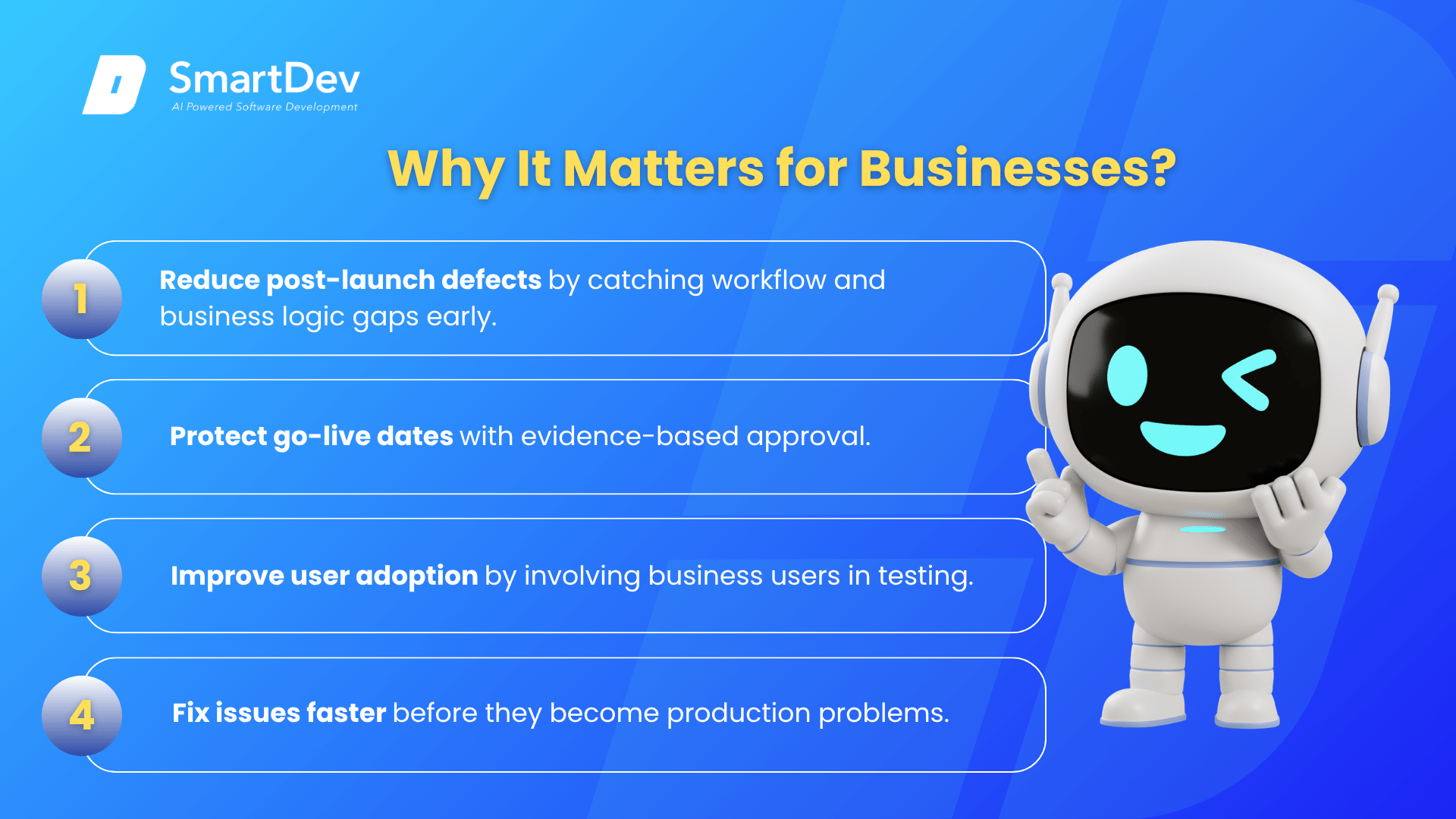
User Acceptance Testing (UAT) is the final phase of the software testing process in which actual business users or their representatives test the software against real-world use cases to verify that it meets business requirements, supports intended workflows, and is ready for production deployment.
UAT differs from earlier testing phases in a critical way: it is conducted by business users rather than QA engineers. Functional testing and system integration testing verify that the software behaves according to specifications and that components work together correctly. UAT goes further by asking whether the software actually supports the way business users do their jobs, a question that only the users themselves can reliably answer.
UAT is also known as beta testing, end-user testing, or acceptance testing. In enterprise contexts, it typically concludes with a formal sign-off by business stakeholders, confirming that the system is accepted for go-live. This sign-off is both a quality gate and a governance milestone.
비즈니스에 중요한 이유
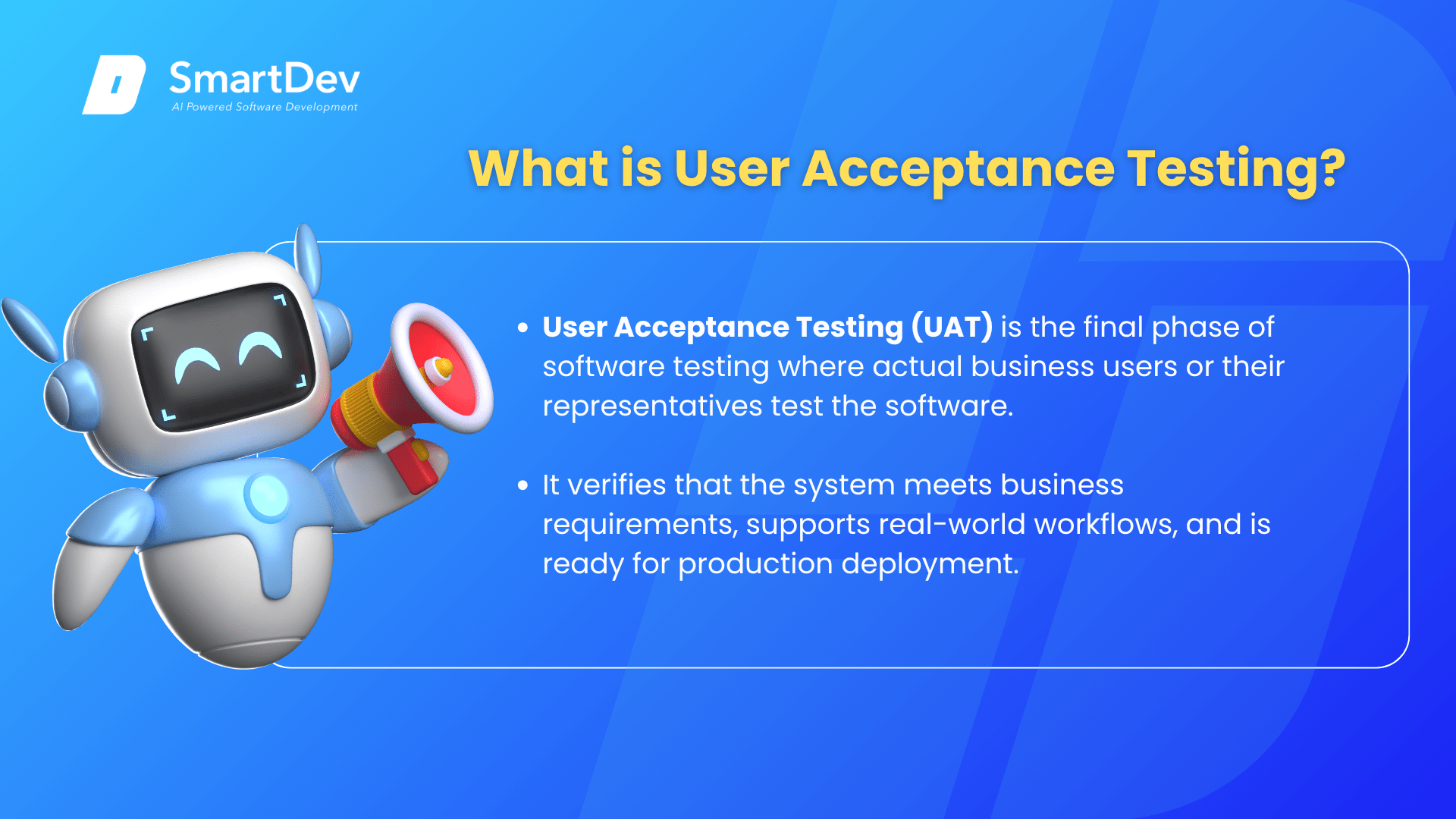
Systems that pass all technical quality gates can still fail in UAT when they do not support the actual workflows users need. And systems that fail silently in UAT but go live anyway generate costly support burdens, user workarounds, and in some cases complete remediation projects after launch.
- 줄이다 post-launch defects by catching workflow gaps, usability issues, and business logic errors that only become apparent when real users attempt to complete their actual tasks.
- Protect go-live dates by giving stakeholders the evidence-based confidence needed to approve deployment, rather than going live on faith and discovering problems in production.
- 개선하다 user adoption by involving business users in the validation process, making them participants in the delivery rather than recipients of a system they had no role in testing.
- 가속하다 remediation when issues are found, because UAT findings are caught before go-live when fixes cost a fraction of what production corrections require.
For example, a government department that implemented a new grants management system completed all technical testing successfully. During UAT, grants officers discovered that the workflow for multi-year grants did not match the actual review process, requiring a workaround sequence that took 22 steps instead of the expected 8. Catching this in UAT allowed the development team to redesign the workflow in two weeks before go-live. Discovering it post-launch would have required a production patch, user retraining, and correction of any grants already processed through the incorrect workflow.
How Does UAT Work?
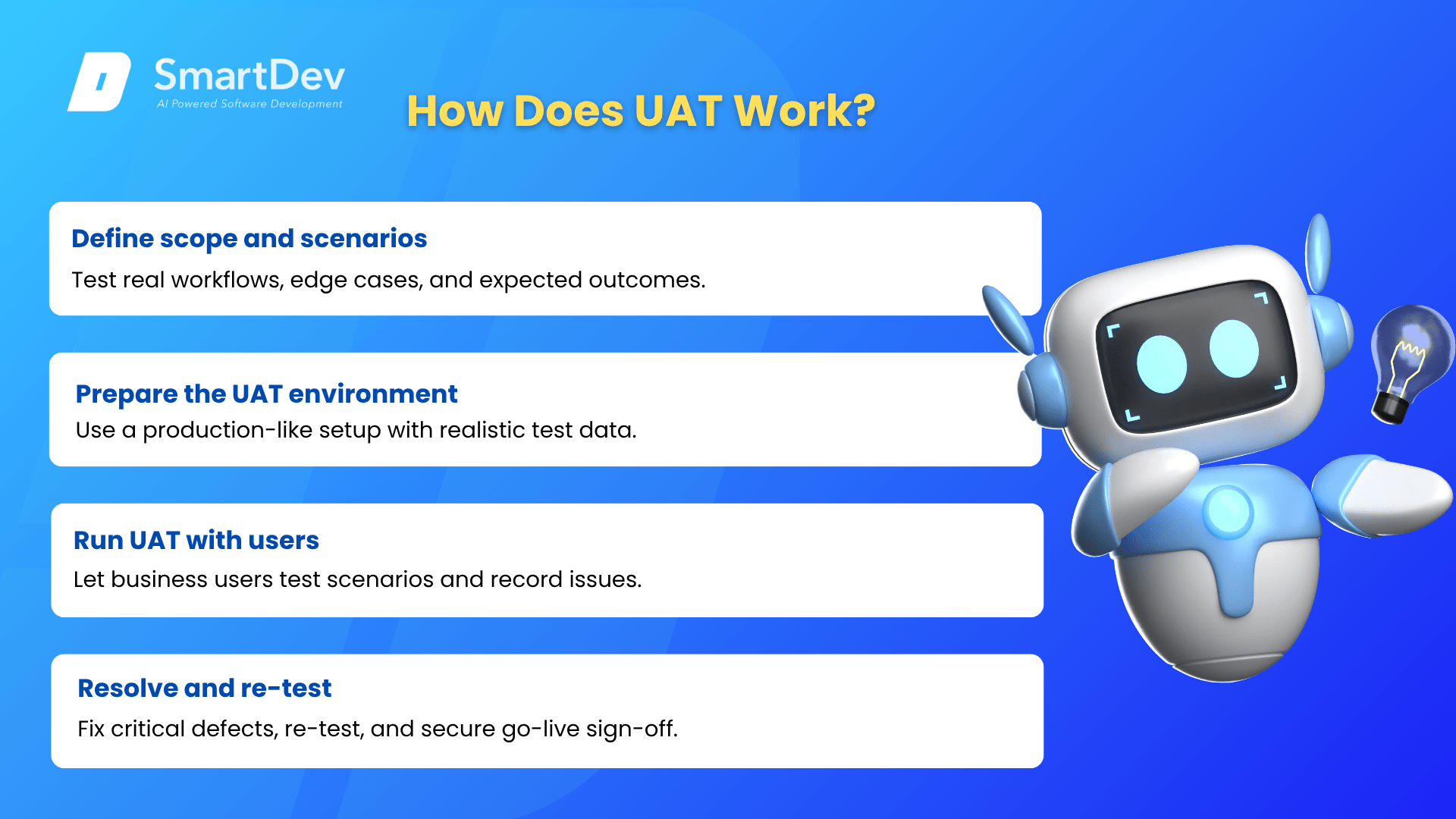
- Define UAT Scope and Test Scenarios: Working from business requirements and user stories, define the specific scenarios to be tested during UAT. Scenarios should reflect real work the users actually do, including edge cases, exception handling, and the most common workflows. Each scenario should have a defined expected outcome.
- Prepare the UAT Environment: Set up a dedicated test environment that mirrors production as closely as possible, with representative test data that reflects real-world data complexity. Testing against unrealistic or minimal data produces results that do not predict production behavior reliably.
- Run UAT with Business Users: Business users execute the defined scenarios, recording what they observe against what was expected. The UAT lead tracks defects, ambiguities, and feedback systematically, distinguishing between genuine defects (the system does not work as required), enhancement requests (the system works but the user wants something different), and training issues (the user does not know how to use the system correctly).
- Resolve and Re-test: Genuine defects are fixed and re-tested by the business users who found them. When all critical defects are resolved and UAT exit criteria are met, business stakeholders provide formal sign-off authorizing go-live.
The result is a deployment decision supported by real-user validation, documented defect resolution, and formal business approval, rather than a technical team’s assessment of their own work.
When to Run UAT?
- Run UAT after functional, integration, and regression testing are complete and the build has been confirmed stable. UAT on an unstable build wastes business users’ time on defects that technical testing should have caught.
- Run UAT with enough time before the go-live date to fix any critical issues discovered. A UAT window of two to four weeks is typical for enterprise systems, with buffer for defect fixing and re-testing.
- Run UAT with representative business users who actually perform the workflows being tested, not with IT team members or managers who do not use the system in their daily work.
- Avoid treating UAT as a rubber stamp. If business users are not empowered to raise defects and delay go-live if critical issues are found, UAT becomes a formality rather than a quality gate.
기타 관련 용어
Technical Debt: A brilliant financial metaphor originally coined by software pioneer Ward Cunningham.
System Design: The process of defining the architecture, components, and data flows of a software system to meet both functional requirements and non-functional goals like scalability, reliability, and performance.
코드로서의 인프라: Solves critical business problems: manual infrastructure setup takes weeks, introduces human error, and requires expensive specialists.