
TL;DR:
AI command line interaction refers to using a text-based terminal to operate software, run scripts, or manage systems — now enhanced by AI tools that accept natural language instructions directly in the command line.
It is faster, more precise, and more scriptable than GUI-based tools, making it essential for enterprise development and IT operations teams.
AI-powered command line tools in 2026 allow developers to complete complex tasks through natural language commands, reducing errors and speeding up workflows.
CLI Interaction is the practice of communicating with a computer system or software application by entering text-based commands into a terminal or command-line interface. For IT managers and business leaders, understanding CLI interaction matters because it underpins the way software developers, DevOps engineers, and outsourced IT teams actually do their work. This article explains what CLI interaction is, why it is relevant to your business, how it works, and who relies on it most.
What is AI Command Line Interaction?

AI command line interaction is the process of using a Command-Line Interface (CLI) — a text-based environment where users type instructions to operate software, automate tasks, manage servers, or work with development tools — now extended by AI models that interpret natural language directly in the terminal.
Unlike a Graphical User Interface (GUI), where users click buttons and navigate menus visually, the AI command line requires users to type commands or natural language prompts that the system executes directly. This approach gives experienced users far more control, speed, and automation capability than graphical tools allow.
In 2026, AI command line tools from major providers now allow developers to issue natural language instructions directly in the terminal. The system interprets the intent, translates it into executable commands, and carries out multi-step tasks autonomously.
Common forms of CLI interaction include:
- Shell commands: Running scripts, managing files, and configuring servers.
- Package management: Installing, updating, and removing software dependencies.
- Version control: Using Git to track code changes and collaborate with teams.
- AI-assisted tasks: Issuing natural language prompts that an AI agent executes in the terminal.
비즈니스에 중요한 이유
For business leaders managing software teams or outsourced IT partners, AI command line workflows are not just a technical preference. They have direct implications for your team’s speed, consistency, and security posture.
Manual, GUI-based workflows are harder to repeat, document, and audit. CLI-based workflows are scriptable, meaning processes can be automated, version-controlled, and executed identically every time.
Key business benefits include:
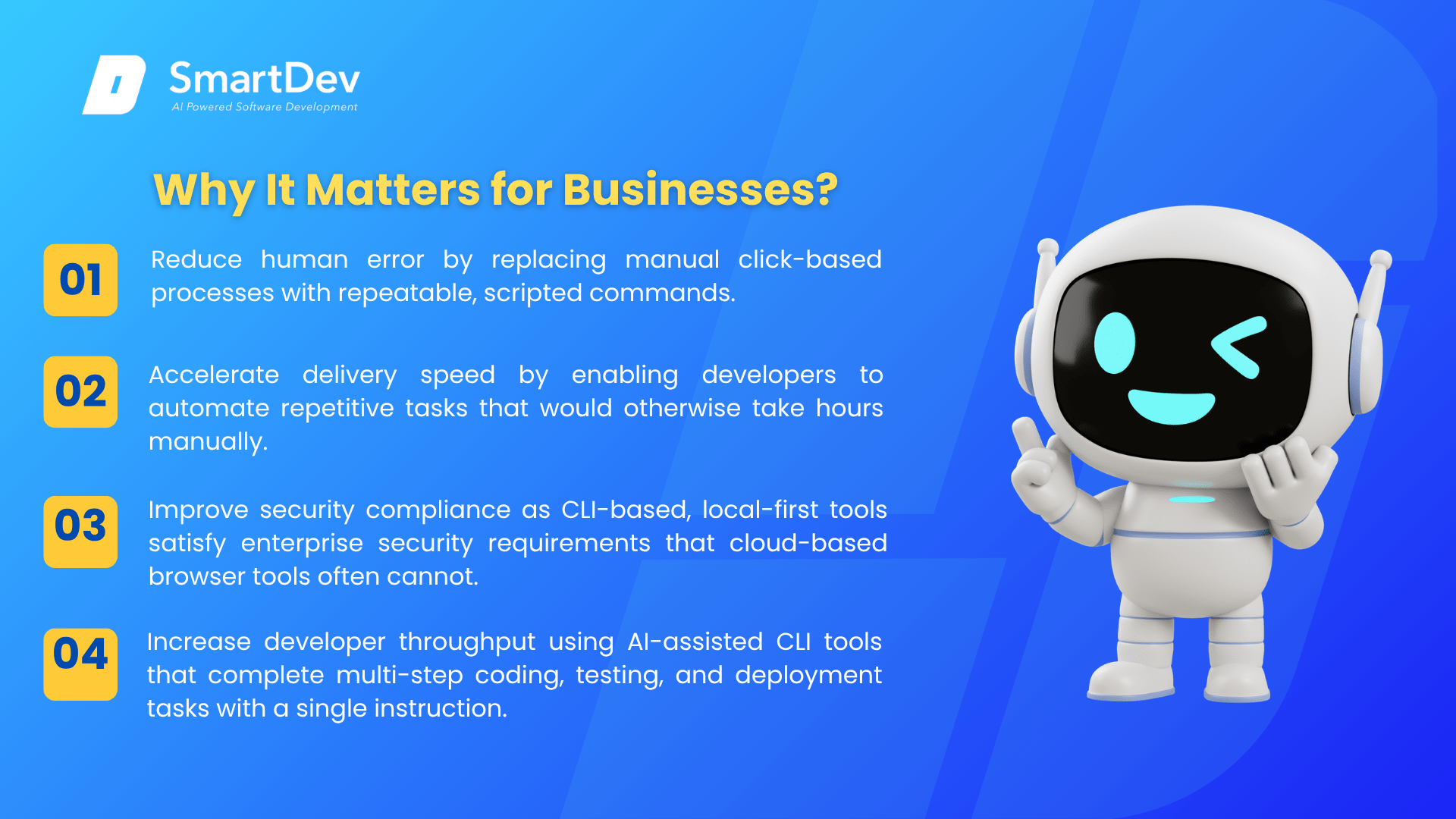
- Reduce human error by replacing manual click-based processes with repeatable, scripted commands.
- Accelerate delivery speed by enabling developers to automate repetitive tasks that would otherwise take hours manually.
- Improve security compliance as CLI-based, local-first tools satisfy enterprise security requirements that cloud-based browser tools often cannot.
- Increase developer throughput using AI-assisted CLI tools that complete multi-step coding, testing, and deployment tasks with a single instruction.
For example, a software development team that adopted AI CLI tools reduced the time spent on routine infrastructure management tasks by nearly 40%, freeing engineers to focus on building product features.
How Does It Work?
AI command line interaction follows a consistent cycle that repeats with every command:
- Input: The user types a command into the terminal, such as a shell instruction or a natural-language prompt to an AI agent.
- Parsing: The CLI shell or AI model interprets the input, identifying what action is requested and what parameters are needed.
- Execution: The system carries out the instruction, whether that means modifying a file, querying a database, or running a build process.
- Output: The result is printed to the terminal as text, giving the user immediate feedback and confirmation.
- Loop: The user reviews the output and enters the next command, continuing the workflow.
The result is a highly controlled, repeatable, and auditable interaction model that is central to how modern software teams operate.
Who Uses CLI Interaction?
CLI interaction is used by a wide range of technical roles across industries. Key users include:
Software developers who use CLI tools daily for coding, testing, deploying code, and managing version control. It is the primary interface for most professional development work.
DevOps and platform engineers who manage cloud infrastructure, container deployments, and CI/CD pipelines through command-line tools like Terraform, Kubernetes, and AWS CLI.
IT administrators in enterprise environments who configure servers, manage access permissions, and automate maintenance tasks through shell scripts.
Outsourced development teams working across financial services, healthcare, logistics, and technology who standardize their workflows through CLI-based toolchains to ensure consistency and auditability across distributed teams.
기타 관련 용어
API (Application Programming Interface): A set of defined rules that allows software systems to communicate with each other; API documentation is one of the primary outputs of AI documentation generators.
AI CI/CD pipeline: An automated workflow for testing, validating, and deploying updated AI models safely
Agentic Flow: An AI-driven workflow where autonomous agents sense conditions, make decisions, take actions, and adapt in real time to achieve a defined business goal with minimal human intervention.