
요약
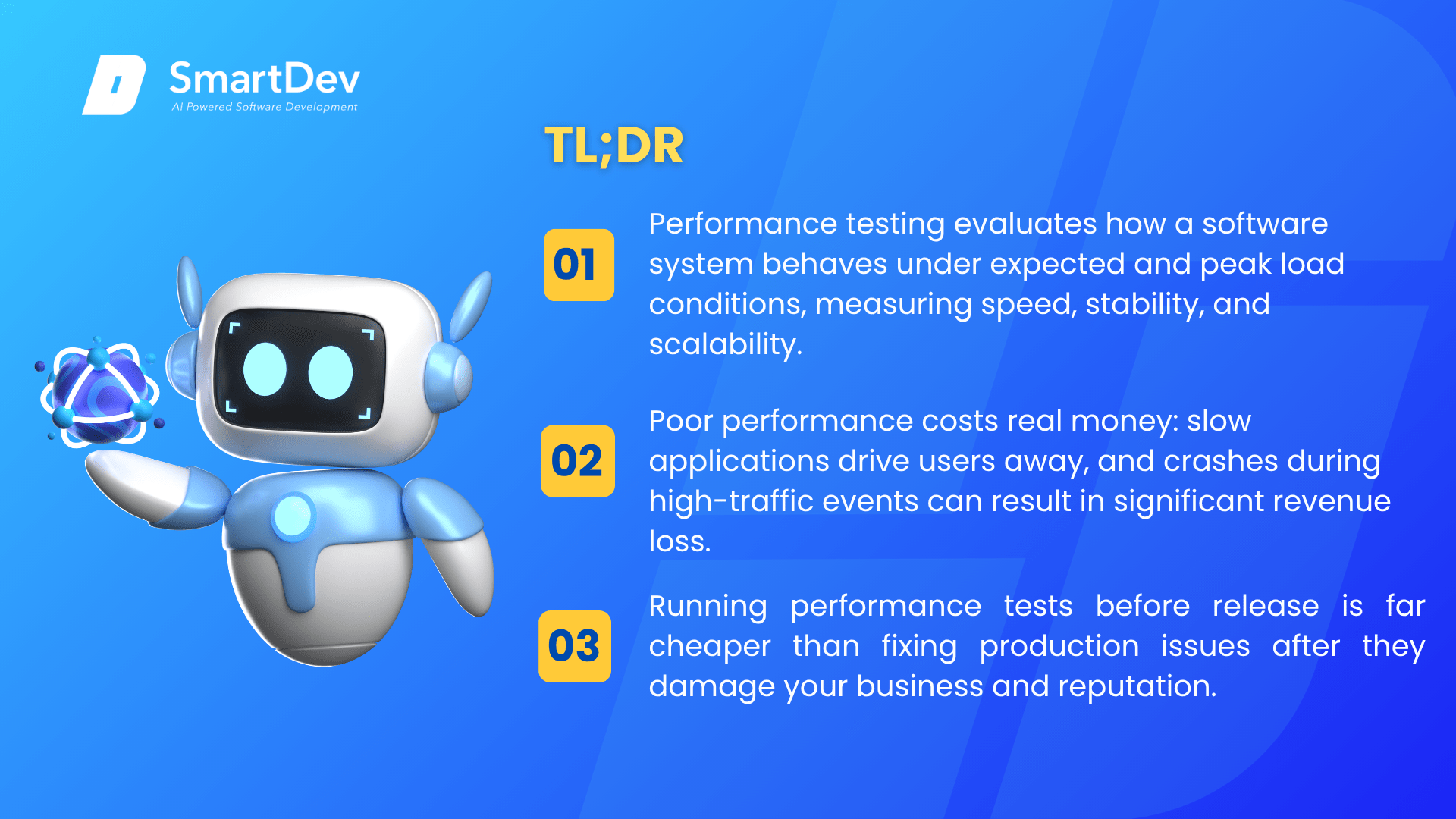
- Performance testing evaluates how a software system behaves under expected and peak load conditions, measuring speed, stability, and scalability.
- Poor performance costs real money: slow applications drive users away, and crashes during high-traffic events can result in significant revenue loss.
- Running performance tests before release is far cheaper than fixing production issues after they damage your business and reputation.
Software that works correctly in development can fail spectacularly in production when real users arrive. Performance testing prevents that scenario by simulating real-world load conditions before release. For enterprises running customer-facing applications, e-commerce platforms, or mission-critical internal systems, performance testing is a non-negotiable part of the software delivery lifecycle.
What is Performance Testing?
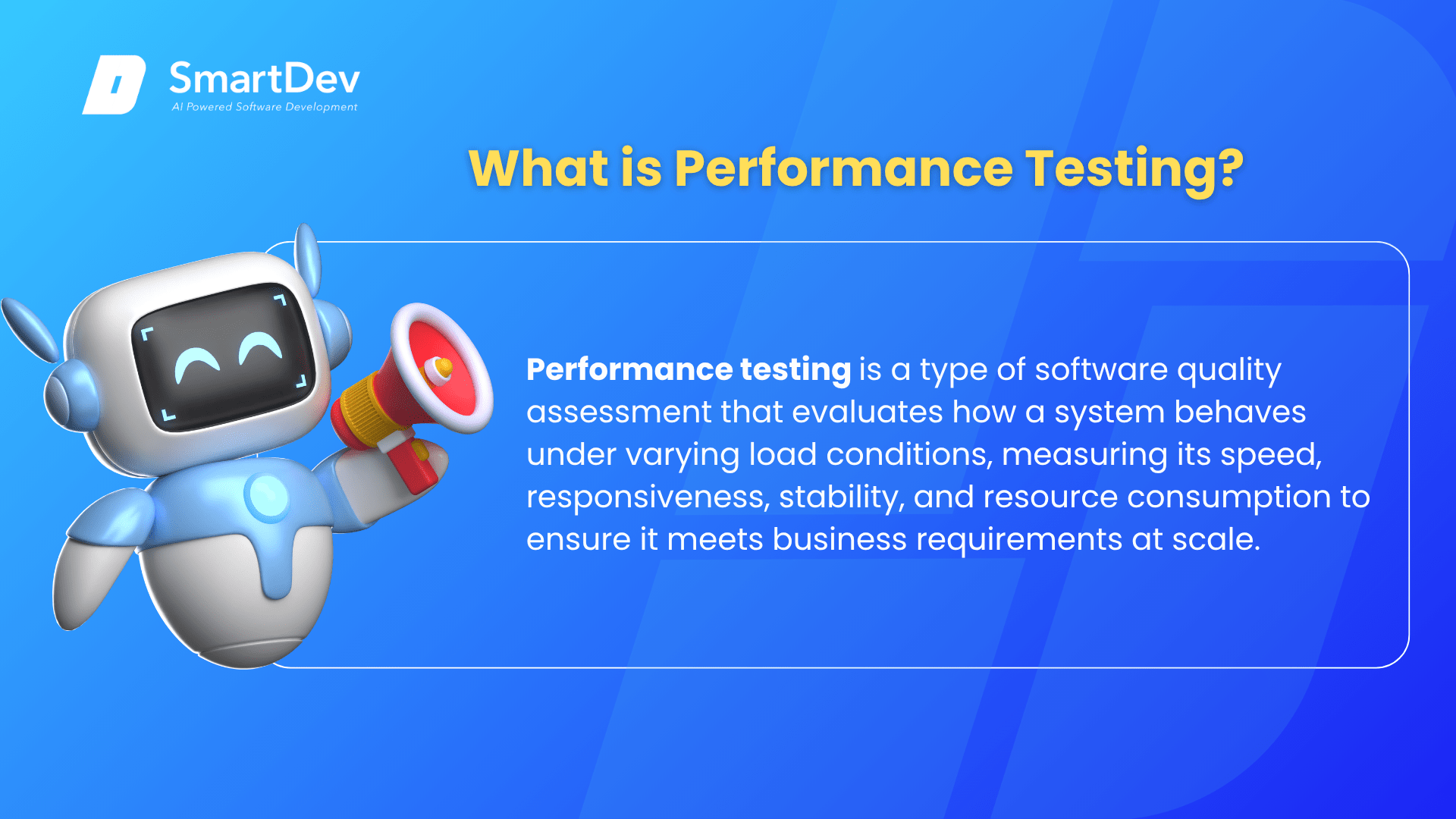
Performance testing is a type of software quality assessment that evaluates how a system behaves under varying load conditions, measuring its speed, responsiveness, stability, and resource consumption to ensure it meets business requirements at scale.
Performance testing is not a single activity but a category of tests, each designed to answer a different question about system behavior. Common types include load testing (does the system handle expected user volumes?), stress testing (at what point does the system break under extreme load?), spike testing (how does the system respond to sudden traffic surges?), and endurance testing (does the system degrade over extended periods of sustained use?).
The goal in every case is to identify performance bottlenecks, such as database queries that slow under load, memory leaks that cause gradual degradation, or infrastructure limits that cap user capacity, before these issues reach production.
비즈니스에 중요한 이유
Application performance directly impacts revenue, user retention, and brand reputation. A one-second delay in page load time can reduce conversions by 7%. For enterprise software, performance failures during critical periods carry even higher stakes.
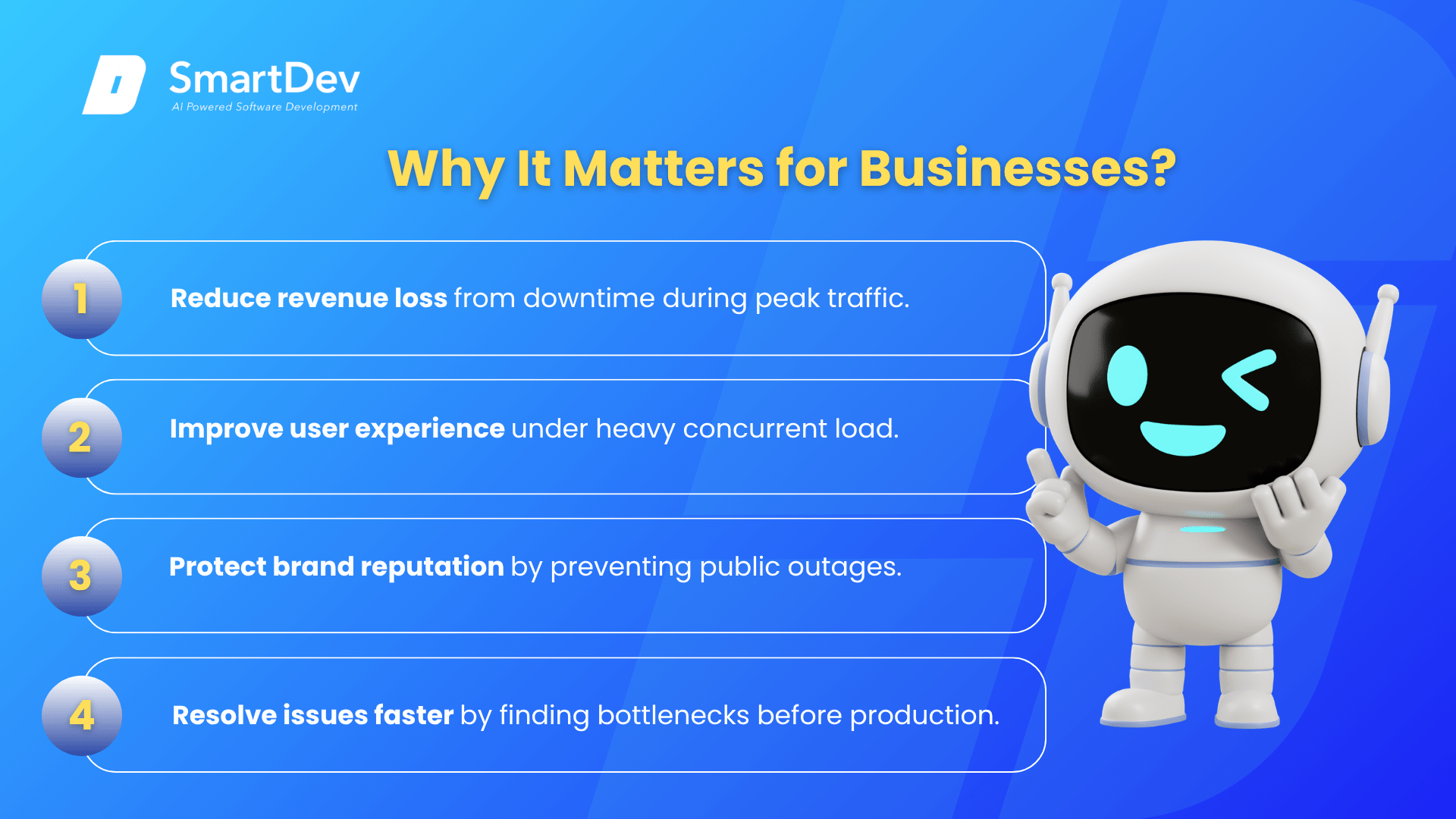
- 줄이다 revenue loss from downtime or slow response times during peak traffic periods such as product launches, sales events, or reporting cycles.
- 개선하다 user experience and retention by ensuring your application responds consistently regardless of concurrent user load.
- Protect brand reputation by preventing publicized outages that erode customer trust and invite negative press coverage.
- 가속하다 issue resolution by identifying bottlenecks in a controlled test environment where fixes cost a fraction of production remediation.
For example, a retail company that added performance testing to its pre-release process discovered that its checkout flow collapsed under 500 concurrent users, well below the 2,000 expected on the first day of a major sale. Fixing the database connection pooling issue before launch prevented what would have been a high-profile outage during the company’s highest-revenue day of the year.
How Does Performance Testing Work?
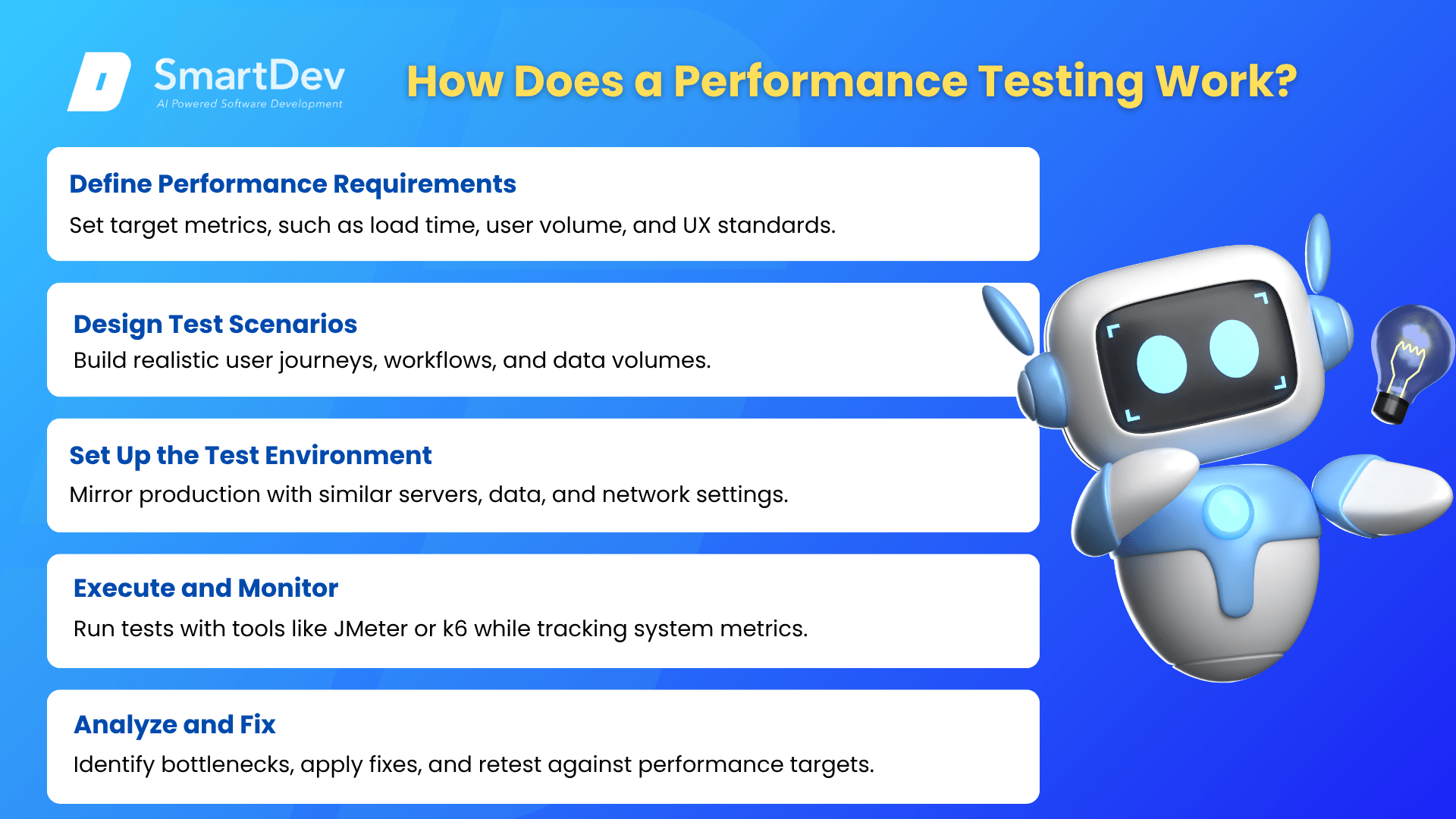
- Define Performance Requirements: Establish the target metrics, such as page load time under two seconds for 1,000 concurrent users, based on business expectations and user experience standards.
- Design Test Scenarios: Create realistic user journey scripts that simulate how real users interact with the system, including typical workflows, navigation paths, and data volumes.
- Set Up the Test Environment: Configure an environment that mirrors production as closely as possible, including server specs, database size, and network configuration.
- Execute and Monitor: Run the tests using tools such as JMeter or k6, while monitoring server-side metrics including CPU usage, memory, database query times, and error rates.
- Analyze and Fix: Identify bottlenecks from the test results, prioritize by business impact, implement fixes, and retest until the system meets its performance targets.
The result is a system that has been validated against realistic load conditions before users ever encounter it, dramatically reducing the risk of performance-related incidents in production.
When to Use Performance Testing?
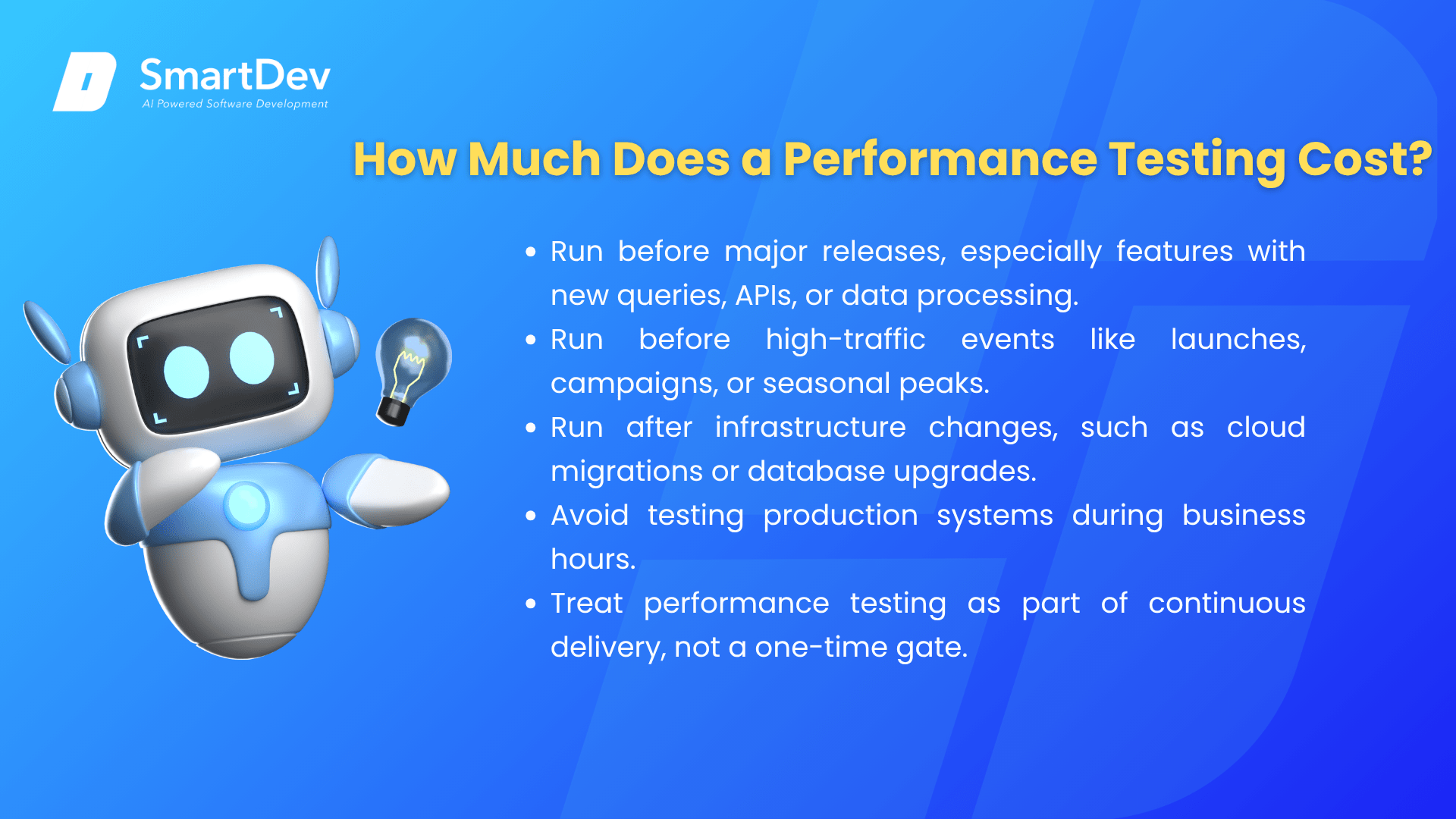
- Run performance testing before any major release, especially for features that introduce new database queries, API integrations, or increased data processing requirements.
- Run it before known high-traffic events such as product launches, marketing campaigns, or seasonal peaks that will stress the system beyond typical usage levels.
- Run it after significant infrastructure changes, such as cloud migrations or database upgrades, to confirm that performance has not regressed.
- Avoid running performance testing against production systems during business hours, as simulated load can impact real users.
- Avoid treating performance testing as a one-time gate; build it into your continuous delivery pipeline so that regressions are caught with every release cycle.
기타 관련 용어
End-to-End Testing: A complementary testing approach that validates complete user workflows across the entire system, often combined with performance testing as part of a comprehensive pre-release quality strategy.
Project Roadmap: A strategic plan that outlines the goals, objectives, key milestones, timelines, and resources required to complete a project successfully.
CI/CD Pipeline: The automated software delivery process within which performance tests can be embedded to catch regressions automatically with every code change.