
En bref :
- Multi-file editing is an AI capability that lets developers make coordinated changes across multiple code files simultaneously, rather than editing one file at a time.
- It dramatically reduces the time required for large-scale code changes, refactoring, and software updates across complex systems.
- For businesses managing large or legacy codebases, multi-file editing reduces the risk and cost of software changes that span many interconnected components.
Multi-file editing is one of the most impactful advances in AI-assisted software development for enterprise teams. As codebases grow larger and more interconnected, making changes across dozens or hundreds of files becomes a significant cost and risk. This guide explains what multi-file editing is, why it matters for businesses, how it works, and when to use it.
What is Multi-file Editing?
Multi-file editing is the ability of an AI-powered development tool to plan, generate, and apply code changes across multiple files in a codebase simultaneously, treating a complex task as a coordinated whole rather than a series of isolated edits. In traditional development, when a change affects multiple parts of a system, such as renaming a function used across twenty files, or updating an API integration that touches multiple services, developers must manually identify and update every affected file. Multi-file editing automates this process. The AI understands the dependencies and relationships between files, proposes changes to all affected locations at once, and applies them in a consistent, coherent way. Tools such as Cursor, Claude Code, and Windsurf have made multi-file editing a standard feature of modern AI-assisted development environments.
Pourquoi c'est important pour les entreprises
Large codebases are one of the most expensive realities of running a software-dependent business. Every significant change carries risk, and manual coordination across files is time-consuming, error-prone, and costly. Multi-file editing directly addresses this.
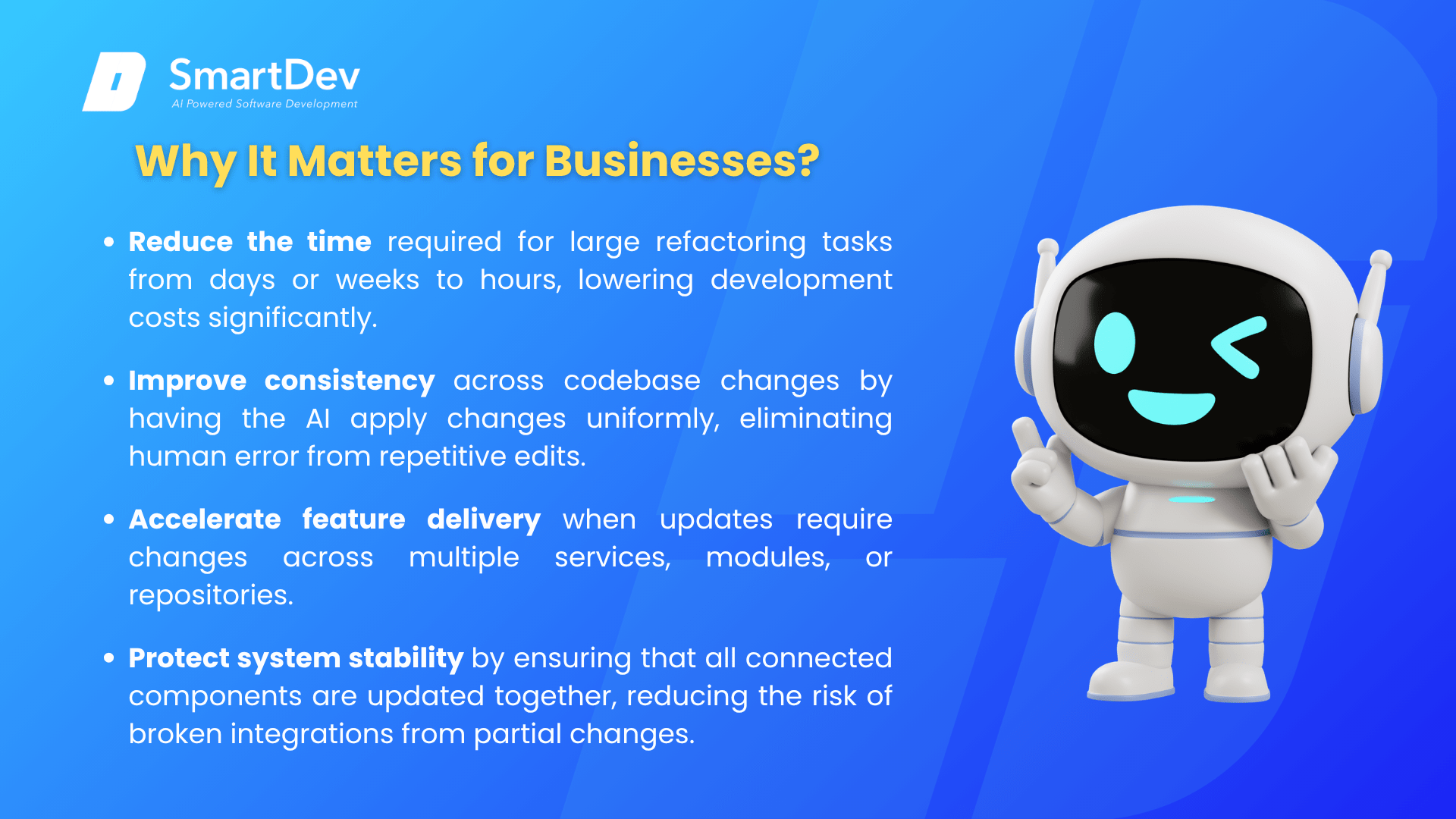
- Reduce the time required for large refactoring tasks from days or weeks to hours, lowering development costs significantly.
- Improve consistency across codebase changes by having the AI apply changes uniformly, eliminating human error from repetitive edits.
- Accelerate feature delivery when updates require changes across multiple services, modules, or repositories.
- Protect system stability by ensuring that all connected components are updated together, reducing the risk of broken integrations from partial changes.
For example, a logistics software company needed to replace a deprecated third-party API across 47 files in their codebase. Using a multi-file editing tool, the task was completed in under two hours, compared to the three days estimated for a manual approach, with no integration issues after deployment.
How Does Multi-file Editing Work?
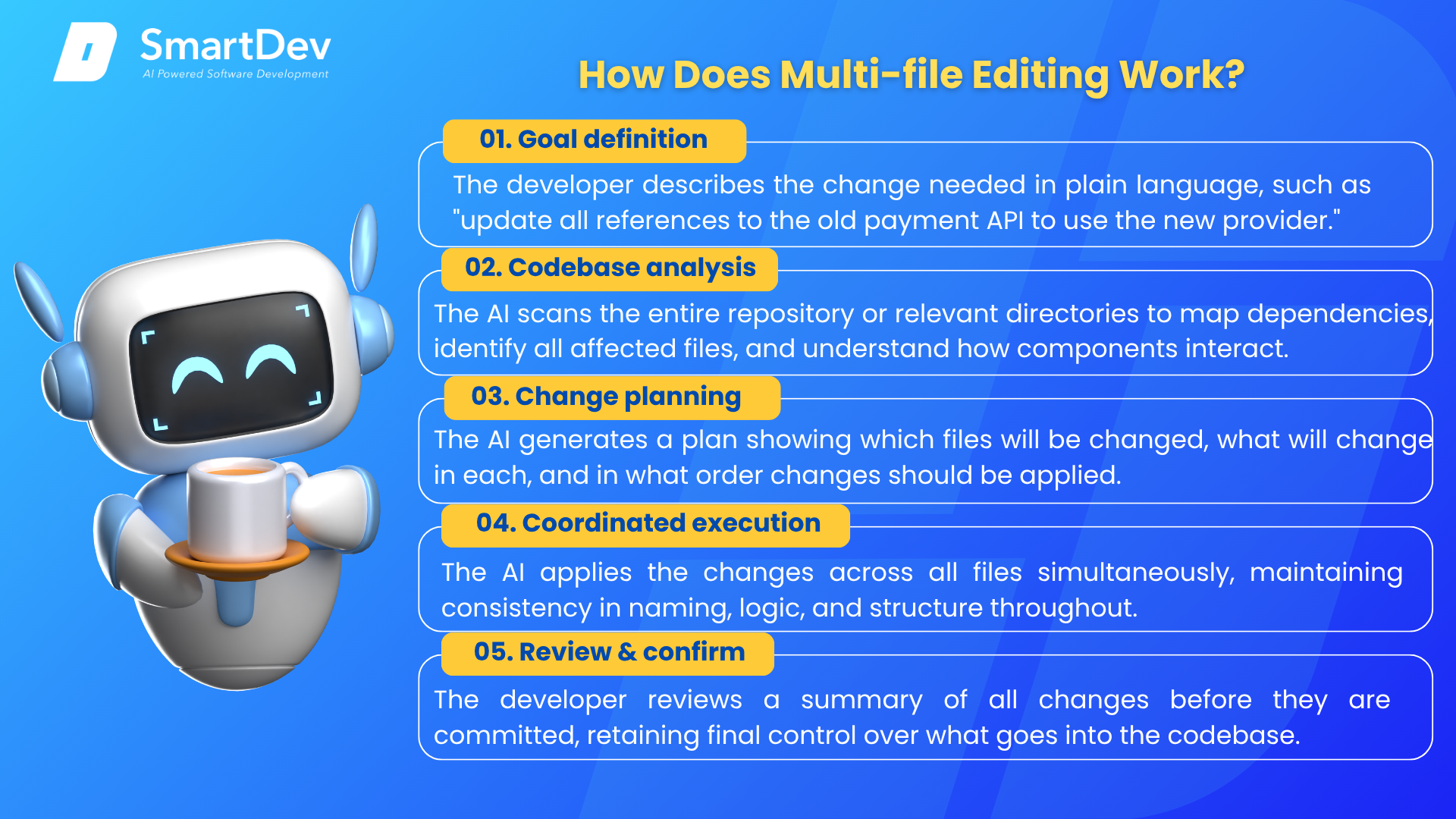
- Goal definition: The developer describes the change needed in plain language, such as “update all references to the old payment API to use the new provider.”
- Codebase analysis: The AI scans the entire repository or relevant directories to map dependencies, identify all affected files, and understand how components interact.
- Change planning: The AI generates a plan showing which files will be changed, what will change in each, and in what order changes should be applied.
- Coordinated execution: The AI applies the changes across all files simultaneously, maintaining consistency in naming, logic, and structure throughout.
- Review and confirm: The developer reviews a summary of all changes before they are committed, retaining final control over what goes into the codebase.
The result is a faster, safer way to manage large-scale changes that would otherwise require hours of manual, error-prone coordination.
When to Use Multi-file Editing?
Multi-file editing is most valuable when a change cannot be contained to a single file or component:
- When replacing or upgrading a dependency or third-party library that is referenced across many parts of the codebase.
- When refactoring shared components, such as renaming a function, changing a data model, or restructuring a core module used throughout the system.
- When applying a new coding standard or compliance requirement consistently across an entire project.
- When onboarding a new development team to an existing system and updating documentation or comments across all files simultaneously.
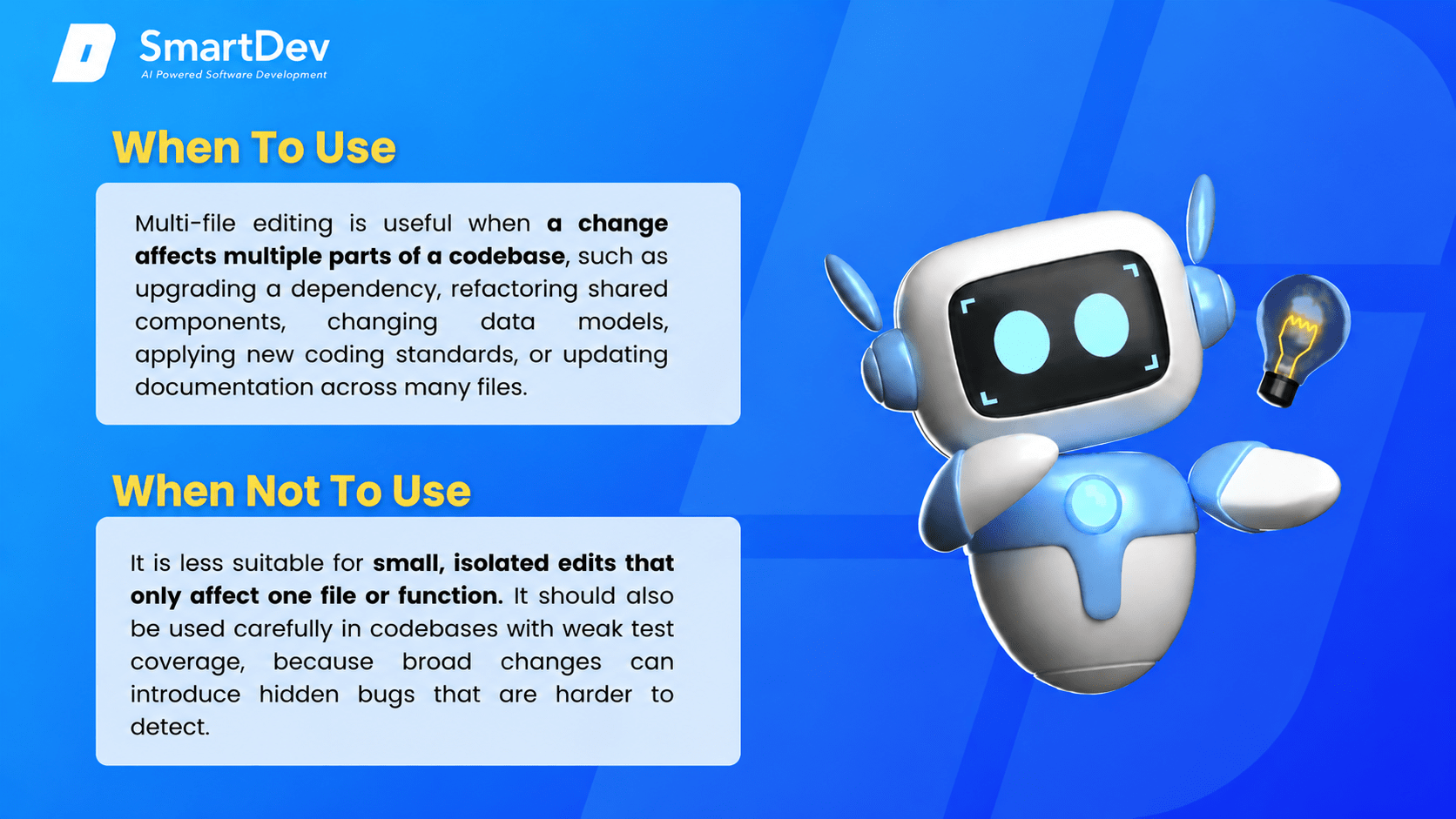
When NOT to use it:
- When the change is isolated to a single file or function, where a standard AI code suggestion is faster and sufficient.
- When the codebase lacks test coverage, as multi-file changes without tests carry higher risk of undetected regressions.
Autres termes associés
AI Code Refactoring is the use of AI to restructure and improve existing code without changing its behavior. It is one of the most common applications of multi-file editing — when AI refactors a function, renames a variable, or reorganizes a module, the changes typically need to propagate consistently across multiple files in the same operation.
AI Code Explanation: Uses artificial intelligence to analyze code and describe its behavior in plain, readable language. Instead of requiring developers to manually document or interpret code, AI tools read the code and generate clear summaries of its purpose.
AI Code Review: The automated analysis of code changes for bugs and quality issues, which should be applied after multi-file editing to verify that coordinated changes are correct and consistent.
Technical Debt: The cost of accumulated shortcuts and poorly maintained code in a system, which multi-file editing helps reduce by enabling large-scale cleanup tasks that would otherwise be too time-consuming to attempt manually.