
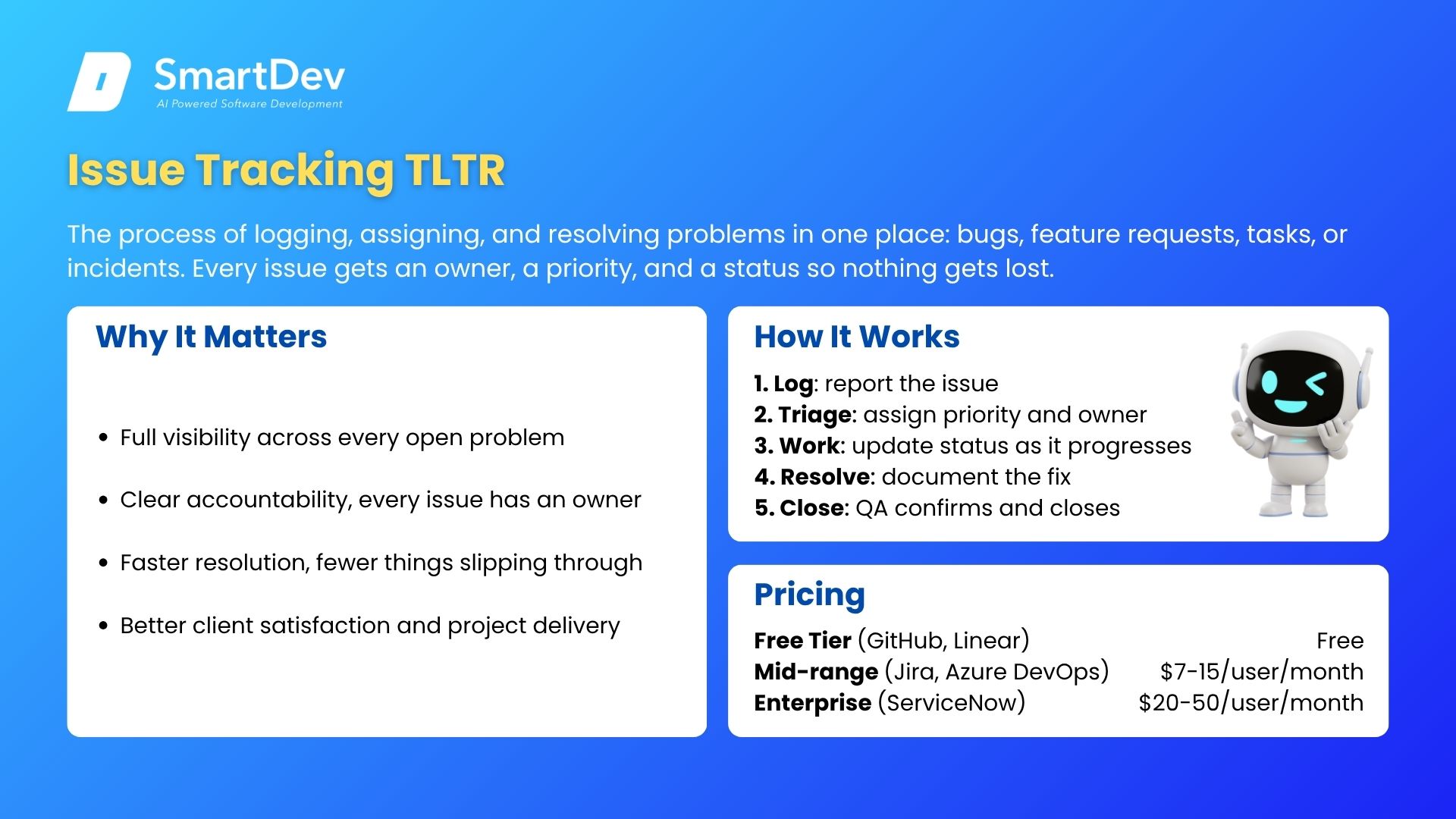
Issue tracking is the process of recording, managing, and resolving problems that arise in software, IT operations, or any business project. For organizations relying on outsourced IT teams or complex software products, a structured issue tracking system keeps every problem visible and moving toward resolution. This article covers what issue tracking is, why it matters, how it works, and what it costs.
What is Issue Tracking?
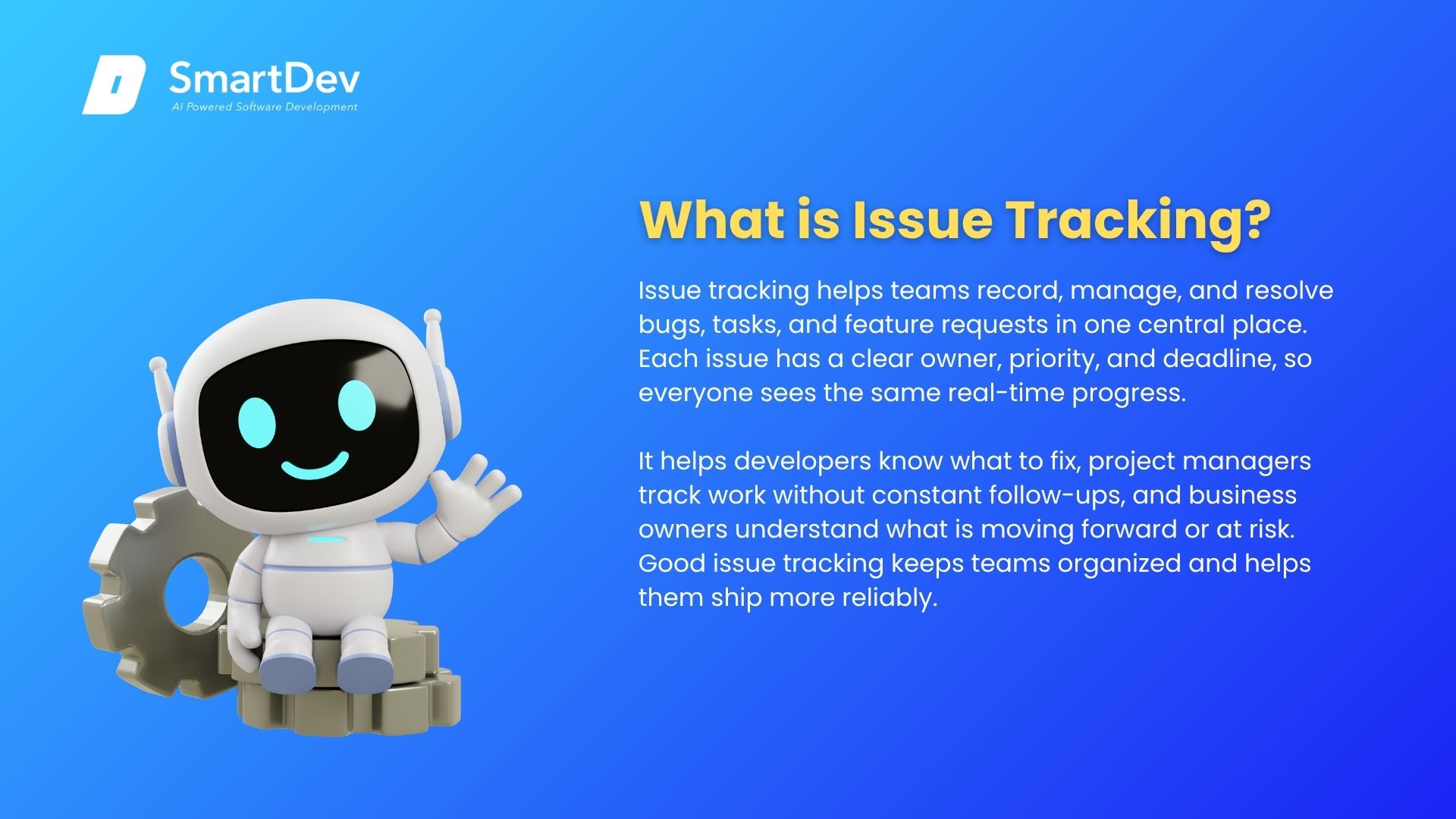
Issue tracking is the systematic process of logging, assigning, monitoring, and resolving problems or tasks within a software project or IT operation. An issue can be a software bug, a user-reported error, a feature request, a system outage, or any task that requires attention and follow-through.
An issue tracking system typically captures the issue description, its priority level, the person responsible, the current status, and a full history of activity from first report to final resolution. This audit trail is what separates structured issue management from informal communication channels like email or chat, where problems get lost.
Common categories of issues include:
- Bugs: Defects in code that cause incorrect or unexpected behavior
- Feature Requests: New functionality requested by users or stakeholders
- Tasks: Work items assigned to team members as part of a project
- Incidents: Unplanned disruptions to a live system or service
Why It Matters for Businesses?
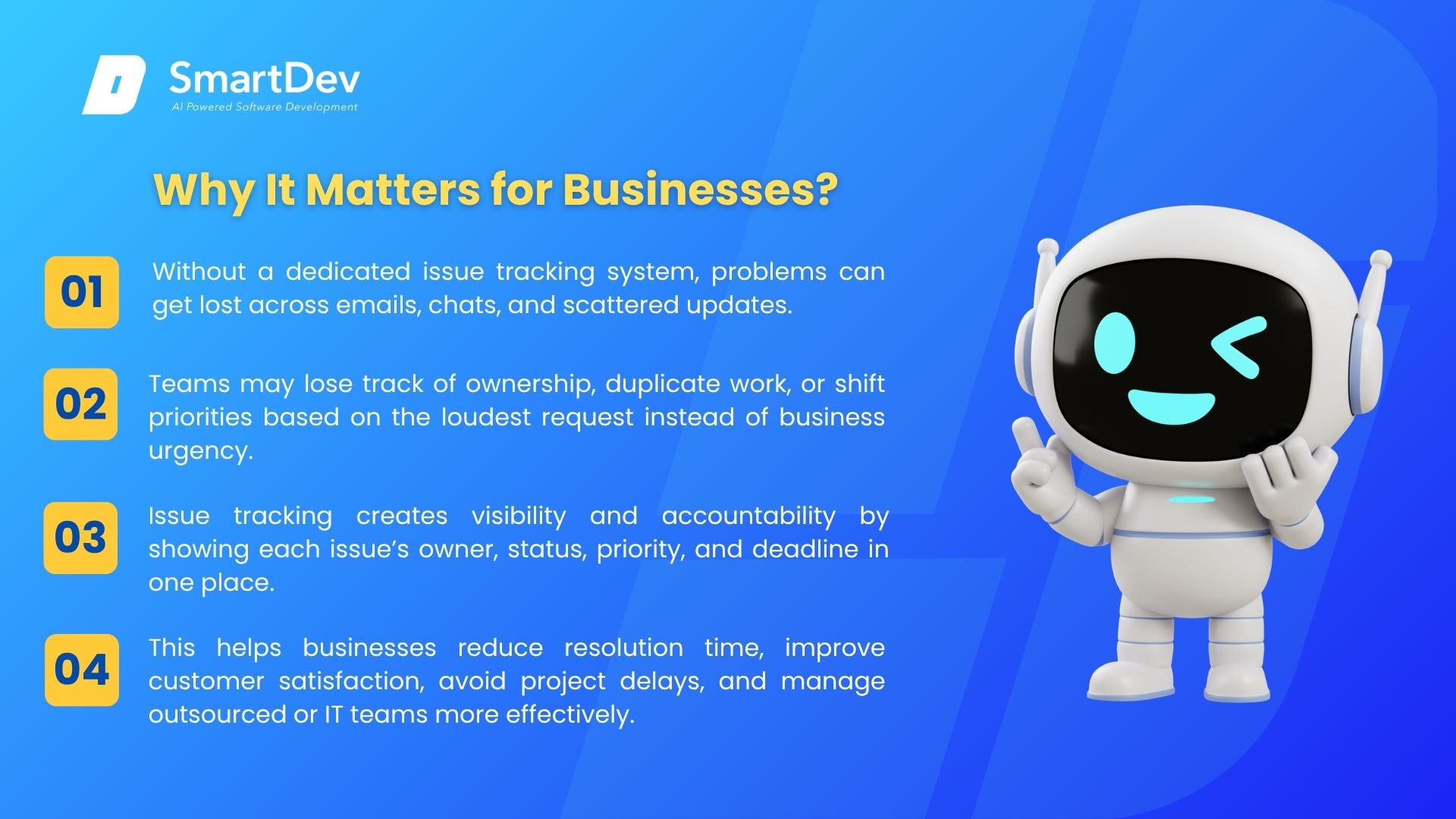
Without a dedicated issue tracking system, problems fall through the cracks. Teams lose track of who is handling what, duplicates pile up, and priorities shift based on whoever made the loudest request. For businesses managing outsourced development or IT operations teams, this becomes a critical liability.
Issue tracking creates accountability and visibility across every open problem. Here is what that means for your bottom line:
- Reduce resolution time by routing issues directly to the right person with all context attached, eliminating back-and-forth to clarify what went wrong
- Increase team accountability by making every issue’s status and owner visible to all stakeholders, so nothing gets buried in someone’s inbox
- Improve customer satisfaction by resolving problems faster and communicating progress transparently to end users or clients
- Accelerate project delivery by surfacing bottlenecks early, before a single unresolved issue blocks an entire release
For example, a software company managing an outsourced development team in a different timezone struggled with bug reports being communicated via email threads. After implementing a centralized issue tracking tool, their average bug resolution time dropped by 35%, and their outsourced team worked more independently because every requirement and defect was documented in one place.
How Does Issue Tracking Work?
A well-structured issue tracking workflow follows a consistent lifecycle from detection to closure:
- Log the issue: Anyone on the team or a connected system reports the issue with a title, description, and relevant context such as screenshots or error logs.
- Triage and prioritize: A project manager or team lead reviews new issues, assigns a severity level (critical, high, medium, low), and routes it to the right owner.
- Assign and start work: The assigned person picks up the issue and updates its status to “In Progress,” making the activity visible to the whole team.
- Resolve and document: The assignee fixes the problem, documents what was done, and links the resolution to the relevant code change or configuration update.
- Verify and close: A reviewer or QA team member confirms the fix works as expected before marking the issue closed. Critical issues may require a post-mortem to prevent recurrence.
The result is a complete, searchable record of every problem your team has faced and resolved, which becomes increasingly valuable as your product and team scale.
How Much Does Issue Tracking Cost?
Issue tracking software varies widely in price, depending on team size, feature requirements, and deployment model:
- Free tiers: Tools like GitHub Issues and Linear offer free plans for small teams (typically up to 5 to 10 users)
- Mid-range: Tools like Jira Software and Azure DevOps typically cost between $7 and $15 per user per month for standard plans
- Enterprise tiers: Platforms like ServiceNow or enterprise Jira can cost $20 to $50 or more per user per month, with custom pricing for large deployments
Three factors most affect the total cost:
- Team size: Most platforms charge per user, so cost scales directly with headcount
- Feature depth: Advanced reporting, automation, SLA tracking, and integrations with ITSM tools push pricing higher
- Deployment model: Cloud-hosted tools are cheaper upfront; self-hosted or on-premise solutions carry higher setup and infrastructure costs
Compared to building a custom tracking system in-house, which can cost $50,000 or more in development time, commercial issue tracking tools deliver strong ROI from day one.
Other Related Terms
Bug Tracking: A subset of issue tracking focused specifically on software defects, used by development and QA teams to log, reproduce, and verify fixes for code errors.
IT Service Management (ITSM): A broader framework for managing IT services end-to-end, within which issue tracking is one component alongside incident management, change management, and service requests.
Service Level Agreement (SLA): A contractual commitment between a service provider and client that defines expected response and resolution times, which issue tracking systems are often configured to monitor and enforce.